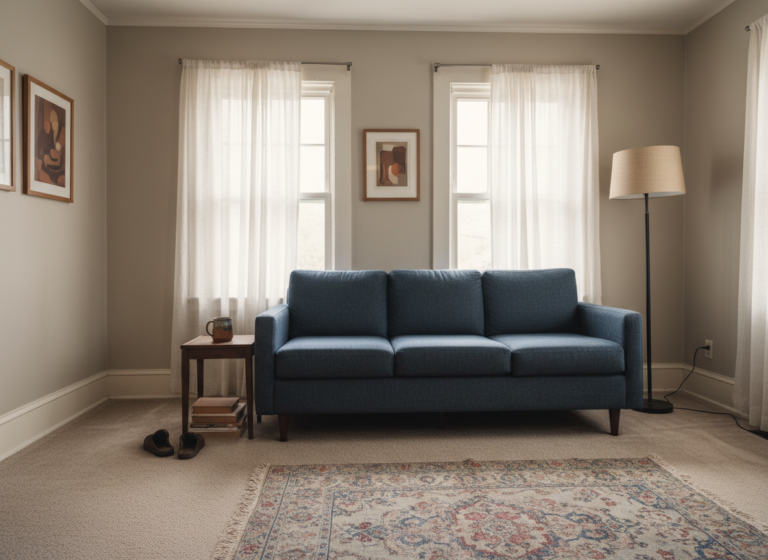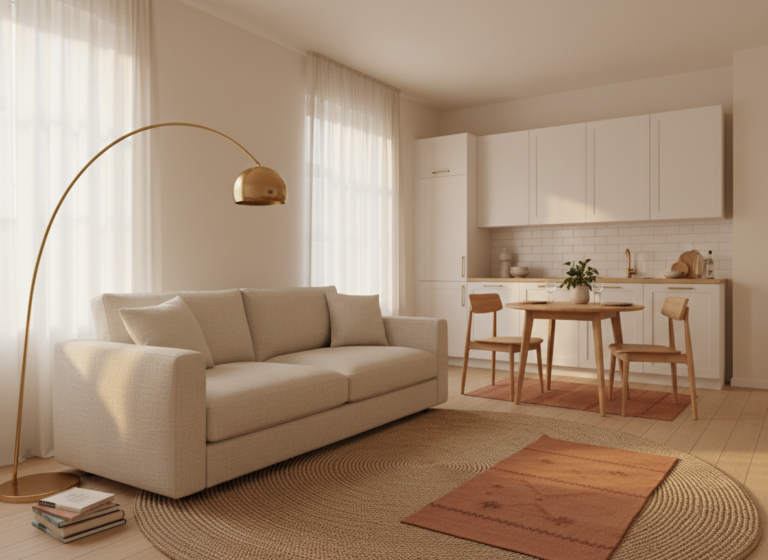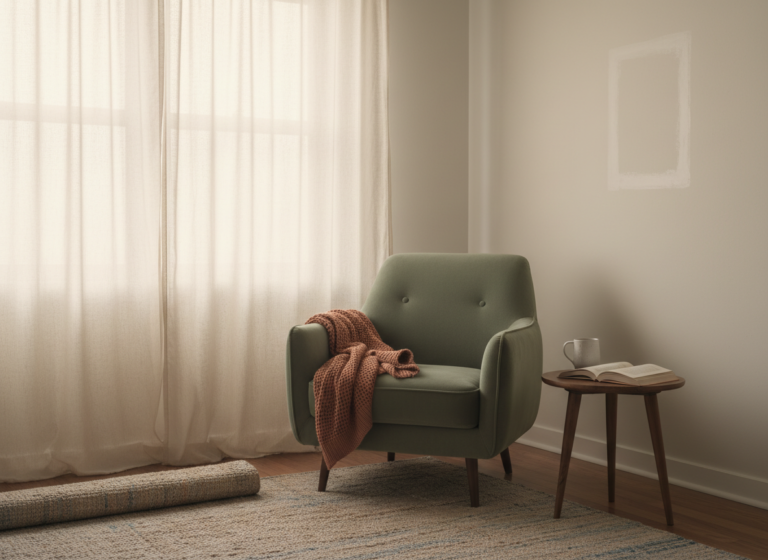

I asked an AI to redesign my living room on a Tuesday night. It came back with a sectional sofa against the wall where the radiator lives, a 9×12 rug for a 14×11 room, and the suggestion to “consider painting the entryway a warm terracotta.” The radiator wasn’t optional. The rug would have eaten the floor. And no, I cannot paint the entryway. I rent.
That session was useful in one specific way: it made the failure pattern obvious. AI doesn’t decorate badly so much as it decorates as if every apartment is a house, every wall is paintable, and every tenant has the kind of leeway that makes “accent wall” a benign suggestion. That’s a training-data problem, not a model problem. Most interior design content on the public internet is written for homeowners; renters are the edge case. After a year of using AI to help me think about my apartment, I’ve mapped where the model keeps breaking — and what to do about each one.

1. It assumed my walls were mine to touch
The first thing AI does, almost reflexively, is suggest a change that requires consent from someone I don’t live with. It wants me to paint the feature wall, swap the cabinet pulls, install track lighting over the kitchen. None of those are bad ideas in a vacuum. In a rental, every one of them either voids my deposit or starts a conversation with my landlord I’d rather not have.
The problem isn’t recklessness. It’s that “rental” doesn’t function as a hard constraint in the model. It functions as a soft preference, easily overridden by a more interesting design idea two prompts later. The fix that worked: I now open every room session with a constraint list at the top of the prompt. Not “we’re renting” (which gets ignored), but a flat list: no drilling, no paint, no permanent adhesives, no fixtures swapped. State it like a budget, not a preference, and the output sharpens immediately.
2. It clung to one offhand aesthetic remark
I mentioned, once, that I had “a few vintage pieces.” What I meant was two thrifted lamps and a wooden mirror. Four conversations later, AI was still steering me toward Victorian-era everything: ornate picture rails, brass candelabra, a chesterfield I have neither room nor budget for. One offhand detail had calcified into a design brief.
AI treats every clue you give it as a signal to pattern-match toward a known category. That’s useful when you want it to commit to a direction. It’s actively bad when you’re still exploring and don’t want the model to decide for you. Now I start fresh sessions whenever the topic shifts meaningfully. Lighting questions get their own conversation; furniture questions get another. Stale context is harder to override than no context.
3. It scaled my apartment up by about 40%
My apartment is 520 square feet. The “one-bedroom apartment” AI seems to imagine is roomier than that by a meaningful margin. A 9×12 rug, recommended confidently, would have eaten almost the entire usable floor in my living area. A “gallery wall” suggestion came with eleven frames; the longest unbroken wall I have is four feet wide, hemmed by a doorway on one side and a baseboard heater on the other.
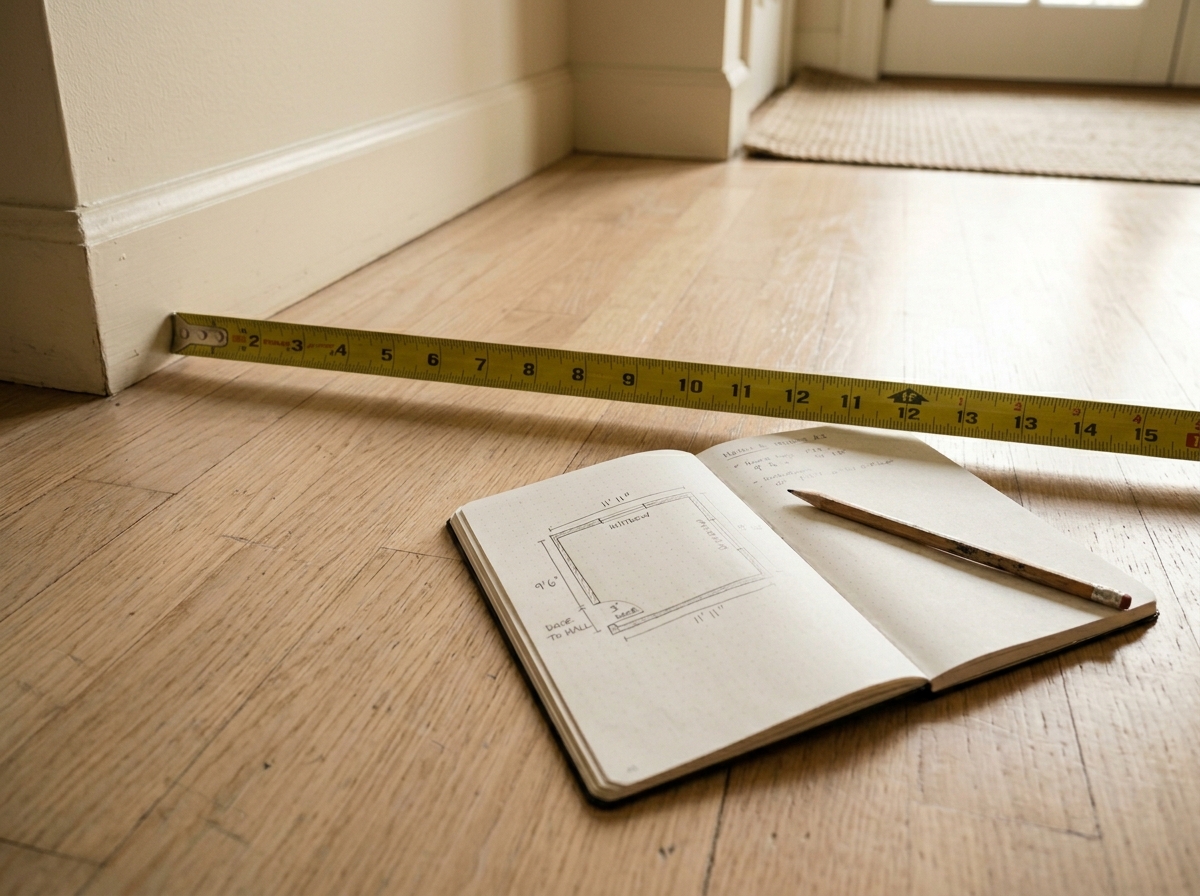
Room dimensions are the foundation of any spatial recommendation, and the model treats them as nice-to-haves unless you anchor them yourself. Now I paste measurements at the top of every session. Not “small apartment” but “living area 14 ft × 11 ft, doorway on north wall, floor heater at southeast corner, single window on east wall.” Specificity is what moves AI from aspirational advice to actual advice.
Worth doing once: measure every wall, note every fixed obstacle (heater, AC unit, door swing arc, outlet placement, window proportions), save the list as a plain text file on your desktop. Paste it at the top of any AI room session. One habit, every future session sharper.
4. It treated cheap and temporary as the same thing
I asked for budget-friendly options. What I got back was a list of things that looked cheap and were temporary, two properties I didn’t actually want bundled together. There’s a real difference between a $30 piece that holds up for three years and looks considered, and a $30 piece that disintegrates in eight months and reads as a placeholder. The model couldn’t draw that distinction without being explicitly taught it.
I started framing the constraint differently: “I want something that looks intentional, costs under $X, and doesn’t read as temporary.” That small rewording shifted the outputs. The model started flagging longevity, recommending pieces that would survive a move, suggesting brands with secondhand resale value. It still occasionally proposes things that are technically damage-free and visually obvious gap-fillers. But the hit rate improved meaningfully.
5. Its trend data was already stale
AI gave me a “trend report” for my room based on what was popular in its training data. Some of it was eighteen months out of date, already past peak, on the way to being the thing that dates a space. I only noticed because I happened to scroll through a few design accounts that same week and saw the absence of items the model was confidently recommending.
This is the failure I don’t have a clean fix for. The model’s knowledge has a cutoff date, and interior design trends move faster than training cycles. What I do now: use AI for structural advice (what’s making the room feel off, where the eye lands first, what’s blocking the light) and use current sources (Pinterest, product pages, newer editorial) for trend direction. The two aren’t competing for the same job. They’re doing different jobs.

AI is a thinking tool, not a taste tool. Let it do the logic. Bring your own taste. It cannot update on what moved in the last six months. You can.
The five failures above didn’t make me stop using AI for my apartment. They made me use it more carefully. A constraint list at the top of every session. Fresh sessions when topics drift. Pasted measurements as the first message. Budget framed as a quality floor, not a price ceiling. A clean split between structural logic and trend direction. That’s the operating system now, and the rooms look better for it.