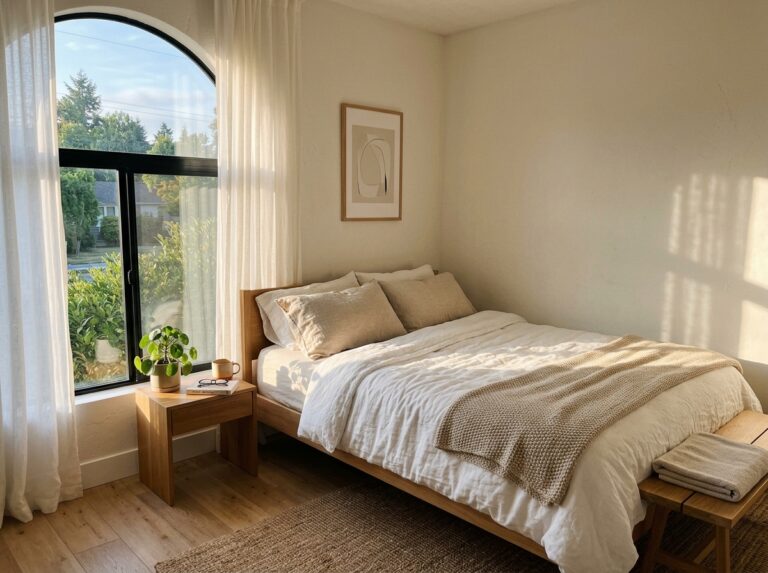

Most apartment refreshes get abandoned in month three. Month one is the Target run. Month two is the IKEA delivery. Month three is the realization that you’ve spent eleven hundred dollars and the apartment still looks like seventy percent of the way to a different apartment you imagined.
The renters whose rooms actually look like themselves a year later didn’t refresh harder. They refreshed slower, on a schedule that assumed the apartment would teach them things by month four they didn’t know in month one. The apartment refresh planner below is the twelve-month version of that. It’s the structure I now use in every place I move into, paired with a Notion workspace that holds the whole year in one view and an AI room planner that handles each quarterly move.
Why a 12-month refresh beats a one-month overhaul
The one-month overhaul fails for a structural reason: you’re making twelve months of decisions with one month of information. You don’t yet know which corner gets the 4pm light. You don’t know which room you actually spend time in on a Sunday versus the one you imagined you would. You don’t know that the rug you ordered will read smaller in person because you measured the floor but not the visual weight of the sofa next to it.
A twelve-month refresh lets the room teach you before you commit. Month one, you live with what’s there. Month four, you replace the one thing that’s been annoying you the most. Month seven, you add what’s missing now that you can finally see what’s missing. Month twelve, you finish. Finishing means stopping, not buying more.
The most expensive decorating mistake is not under-buying. It’s over-buying in the first three weeks, before the apartment has had a chance to disagree with you.
The four phases, month by month
The plan splits twelve months into four phases of three months each. Each phase has one job. The phases don’t overlap; finish the phase before starting the next one, even if you’re convinced you can skip ahead. (You can’t. The information you need for month seven only exists after month six.)
| Phase | What you do (and what you don’t) |
|---|---|
| Months 1–3 · Phase 1 Live with it | Buy nothing structural. Keep a running list of what bothers you and don’t act on any of it. The point of this phase is collecting data, not solving problems. The bothering is the data. |
| Months 4–6 · Phase 2 Replace the two worst annoyances | Two items max. The harsh overhead fixture, the rug that’s wrong, the chair you’ve been working around. Two. Not five. Spending more than 30% of your annual decor budget here is the failure mode. |
| Months 7–9 · Phase 3 Add what’s missing | Now you know what the room actually needs. Almost always: layered lighting, soft goods (curtains, throws, one more pillow), and the first piece of real art. This is the phase where the apartment starts feeling like yours. |
| Months 10–12 · Phase 4 Finish and stop | One last edit pass. Frame the gallery wall. Anchor the entry. Replace the one thing from Phase 2 that turned out wrong. Then stop. Phase 4 is not “start over next month with phase 1”; it’s the moment the apartment is finished enough to live in for the rest of the lease. |
The phase I get the most pushback on is Phase 1. Doing nothing for three months feels like wasting time. It isn’t. Phase 1 is where you find out that the bedroom corner you were going to put a reading chair into is actually where the cat sleeps in the morning sun, and the chair was always going to fight that. Phase 1 is the cheapest phase in the plan and the one that prevents the most expensive mistakes in Phases 2 and 3.
Where Room Refresh Planner plugs in (the per-room engine)
AI Home Studio Kit #2 (the Room Refresh Planner) is the engine for each phase, one room at a time. You answer questions about the room you’re working on (palette, what’s already in it, what’s annoying you most), and the planner returns a refresh dashboard: a palette read, a priority matrix of moves ranked by impact-per-dollar, and a small budget tracker for the phase you’re in.
The way I use it: at the start of each phase, I run one room through the kit and use the dashboard as the to-do list for the next three months. I don’t try to plan the whole apartment in one sitting. The kit answers a specific question (“what should I actually do in this room this quarter”), and that’s the only question I let it answer. Trying to ask it the whole-year question is what produces dashboards that look impressive and never get acted on.
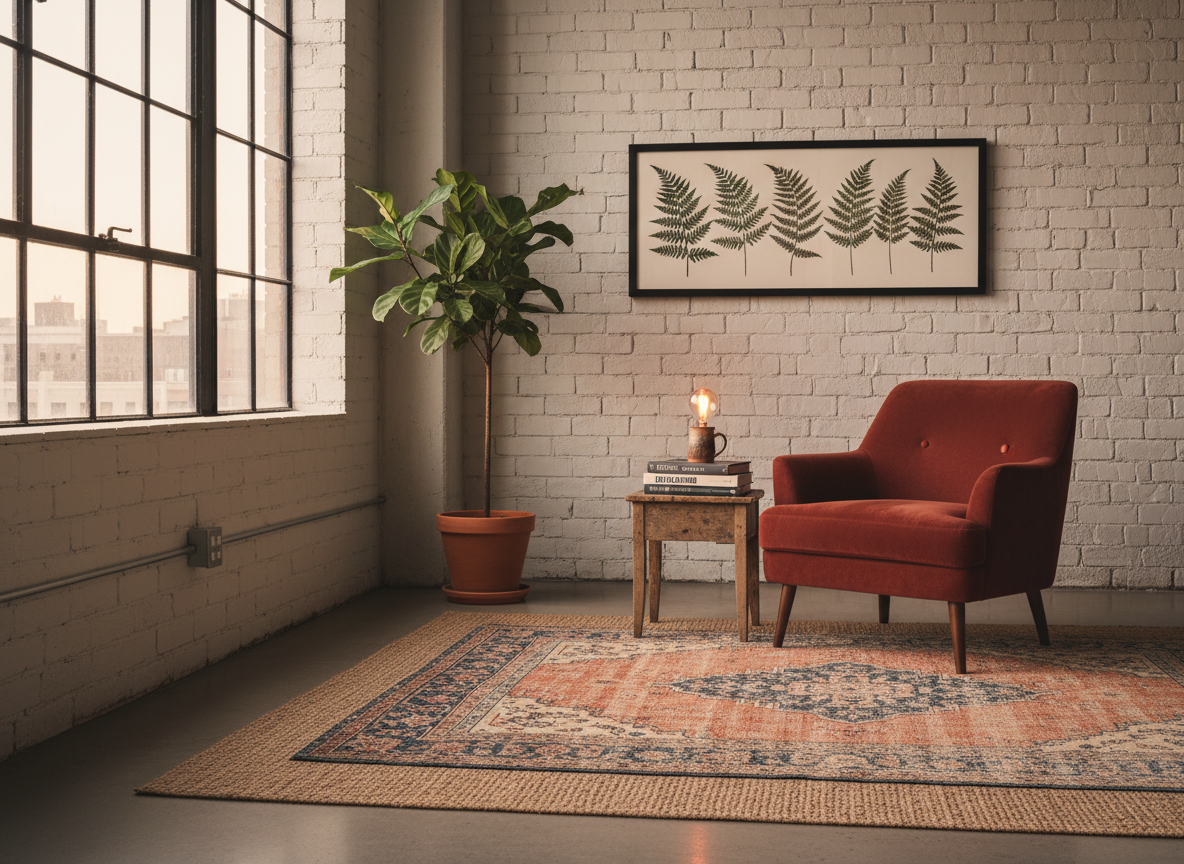
Same wall at month eight. A rug, a lamp, one piece of art — three slow additions across six months.
Where the Notion workspace plugs in (the year-long system)
The kit handles one room at a phase. The twelve-month plan happens across four phases and (usually) three to four rooms. That’s twelve to sixteen mini-plans across a year. Holding all of that in your head, or in a Google Doc that quietly goes stale, is where most refresh plans die in month five.
The Notion workspace gives the year-long plan one place to live. Each room gets its own page with the phase it’s currently in. Each phase carries a budget cap, a checklist, and a what-I-decided log so you don’t relitigate the same call three months later. The AI Home Studio kit generates the per-room dashboards; the Notion workspace tracks the dashboards, the spend, and the calendar of what comes next. Two tools, two different jobs, both required.
The apartment that ends up looking like its tenant a year later isn’t the one that refreshed the hardest. It’s the one whose refresh had a structure outside of the renter’s memory. The plan above is that structure. The workspace below is where it lives.